How to Check the Current App Version of eufy
To find what version of the eufy App you have, follow these steps.
1. Open the eufy App on your phone.
2. Tap on the avatar in the upper left corner of the main page and select Settings.
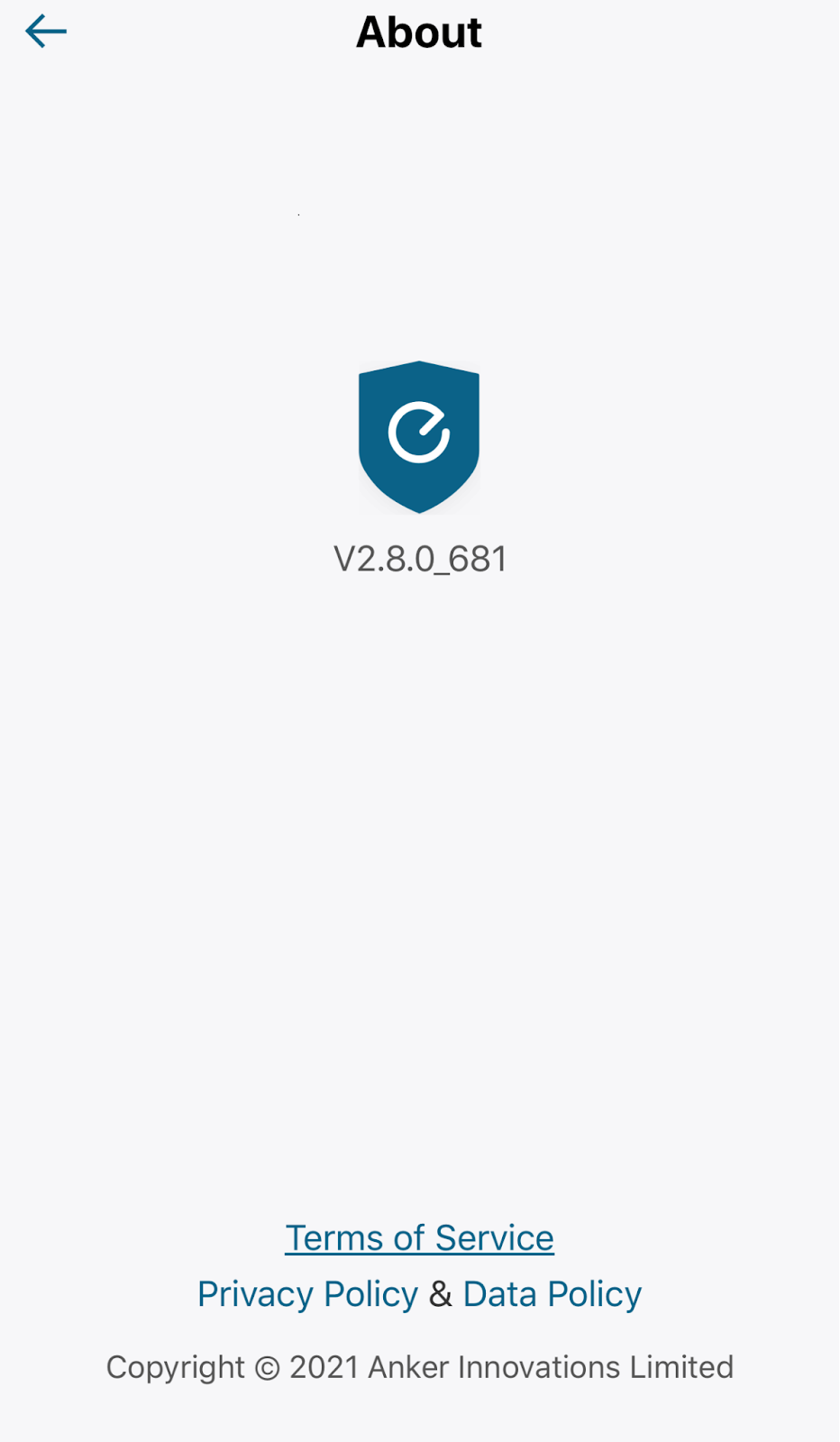
3. Tap on About.
4. Look for “vX.X.X_XXX” under the eufy Logo.
To update the eufy App, you can go to the Apple Store or Google Play for new versions if applicable.
If you have any questions, please contact us for further assistance.


20 undefined
Failed to Set Up 4G Starlight Camera


Will the motion detection on eufy video devices work behind glass or windows?
Creating Automation Between eufy Products
Steps to Upload Logs Using the New Eufy App
Manual Video Recording in eufy App
How to View Event History In eufy App
How to Clear Storage on eufy Device
Failed to Download Videos via eufy App
How to Change eufy Devices Order on Devices Tab
The Meaning of Battery Icons on eufy App

Solar Wall Light Cam S120 User Guide (T81A0)
T8210_Video Doorbell 2K (Battery-Powered)_EU_QSG
T8213_Video Doorbell Dual_EU_QSG
T8222_Video Doorbell 1080p_INT_QSG
T8220_Video Doorbell Slim_EN_QSG
T8214_Video Doorbell E340_EU_QSG
View More
How to Mount Your eufyCam E
How to Mount Your eufyCam
eufy Security Video Doorbell 2K (Battery-Powered) Setup Video
How to Install eufy Security Video Doorbell (Wired)
How to set up eufy Security Smart Lock Touch & Wi-Fi
How to Set the Automation Function
View More


