Eufy is committed to continually releasing firmware updates to improve the E25/E28's algorithm to enhance the robot's cleaning performance. To benefit from these improvements, it is extremely important for users to regularly update the robot's firmware to the latest version. By updating the robot's firmware to the latest version, users will be able to guarantee their E25/E28 will be able to consistently achieve optimal cleaning results.
Under normal circumstances, the E25/E28 is designed to automatically search and update its firmware version during the early morning hours, provided that the robot is already connected to a 2.4GHz WiFi network with a stable network connection.
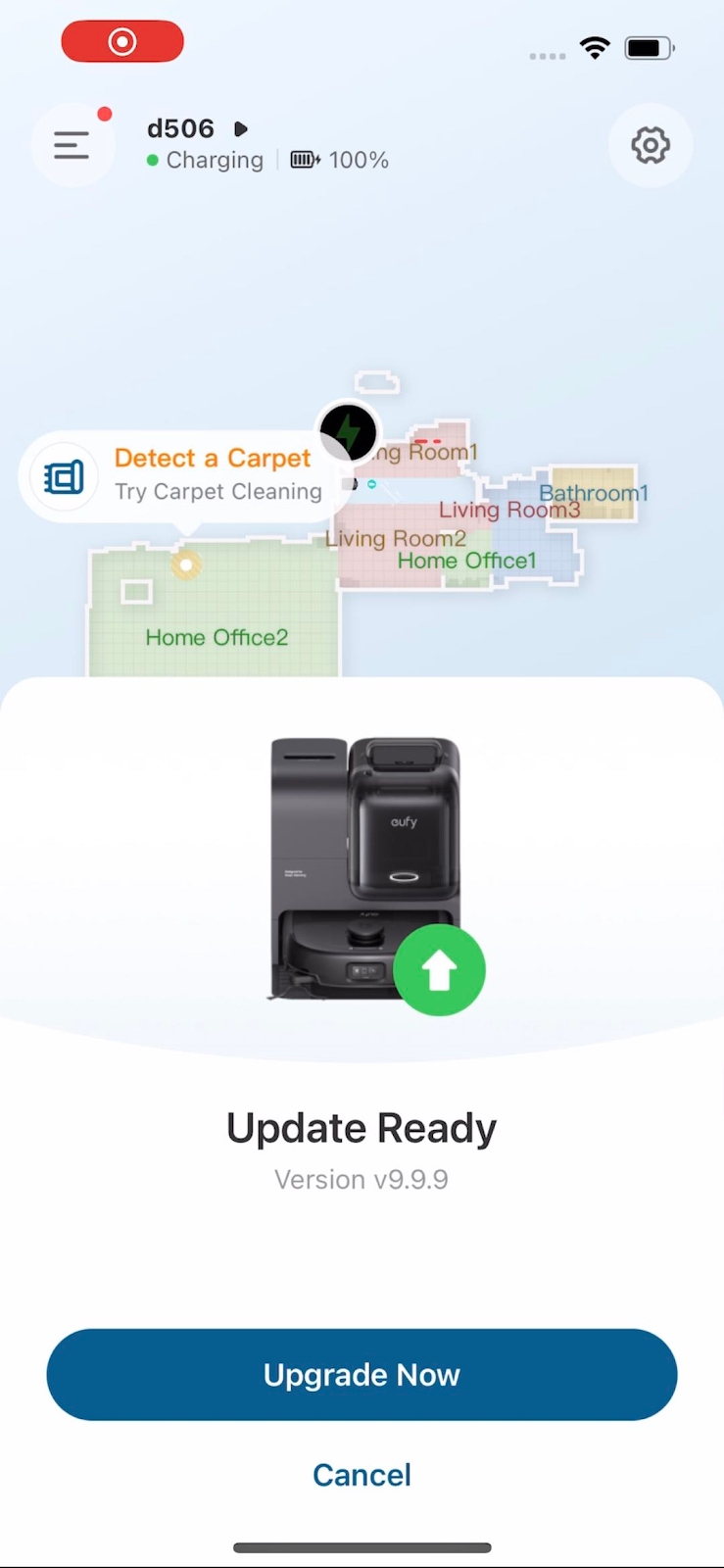
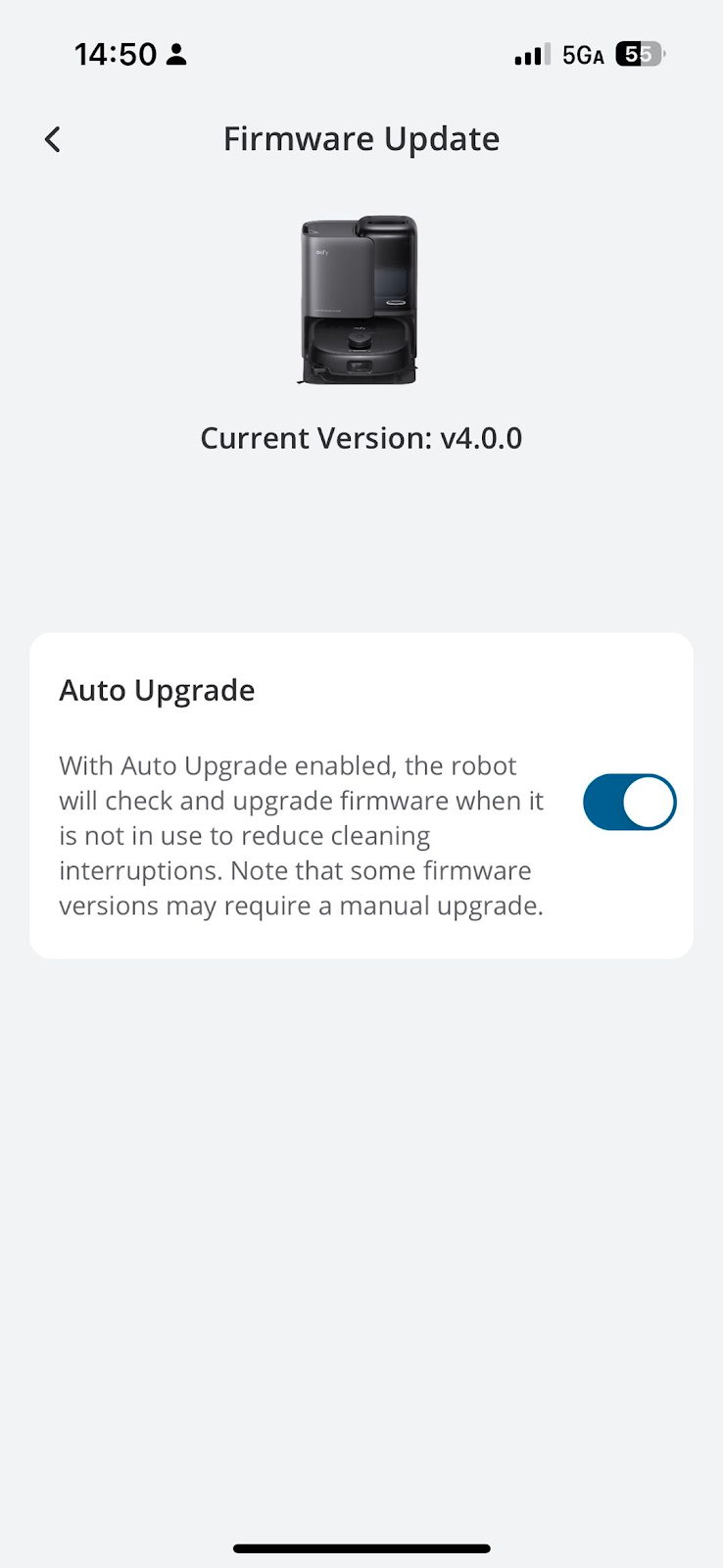
Please follow the steps below to make sure that the robot has been configured to automatically update its firmware(The picture is an example of E28, the same applies to E25):
-
Place the robot on its Omni Station and make sure that the Omni Station has power.
-
Verify the 2.4GHz WiFi connection in your home is stable.
-
Launch the eufy Clean app and choose the E25/E28.
-
Go to Settings > Firmware Update > tap the "Auto Upgrade" button to enable the robot to automatically update its firmware.
If you have any further questions or concerns, please don't hesitate to contact us for assistance.


