One eufy RoboVac can only be registered with one eufy account. In scenarios where your family or friends need to access the RoboVac, you can share access with them.
Ensure that your family or friends download & install the eufy Clean app, and register a eufy Clean account already.
Note: the sharer and sharee should be in the same country, otherwise, the device sharing feature will not work.
Now you can follow the steps below to share your RoboVac with your family or friends.
Note:The picture is an example of E28, the same applies to E25
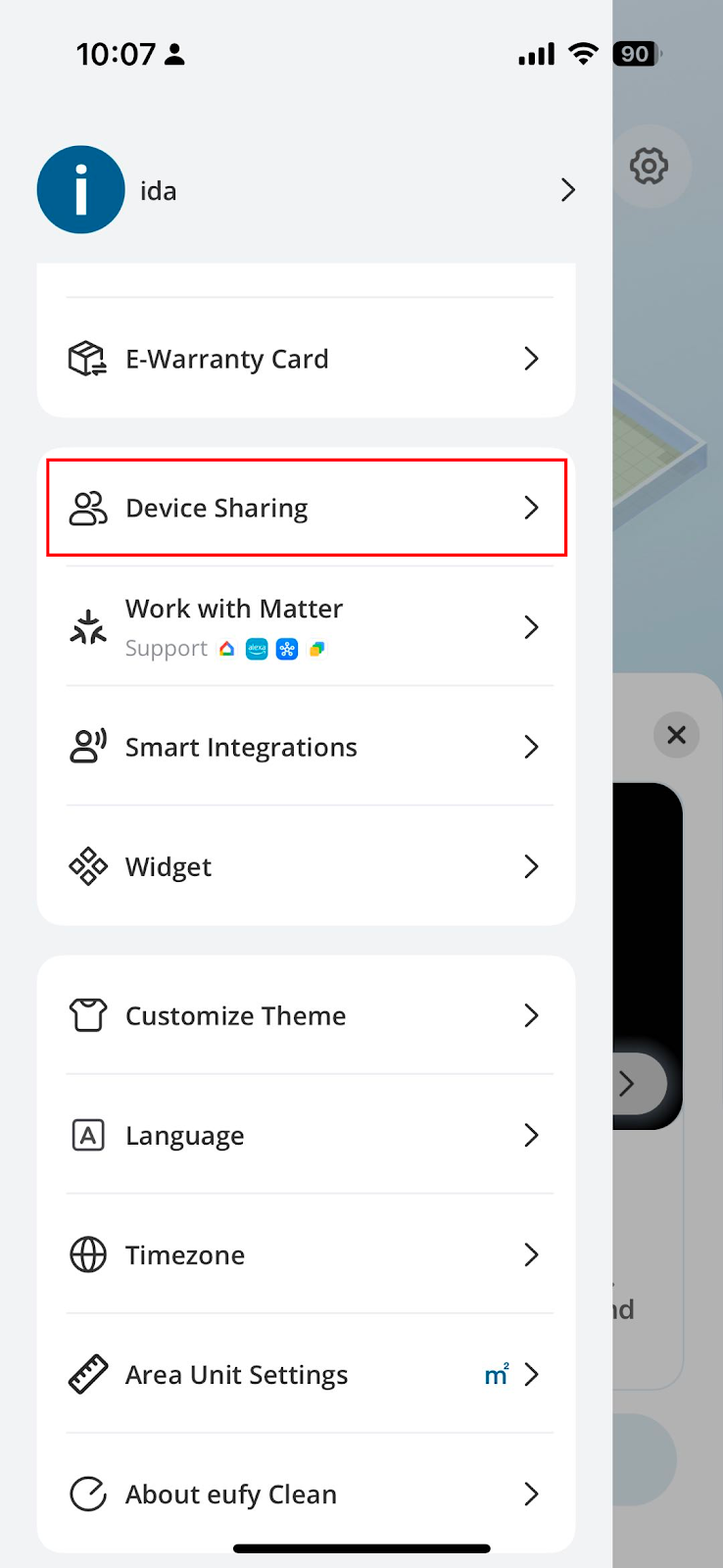
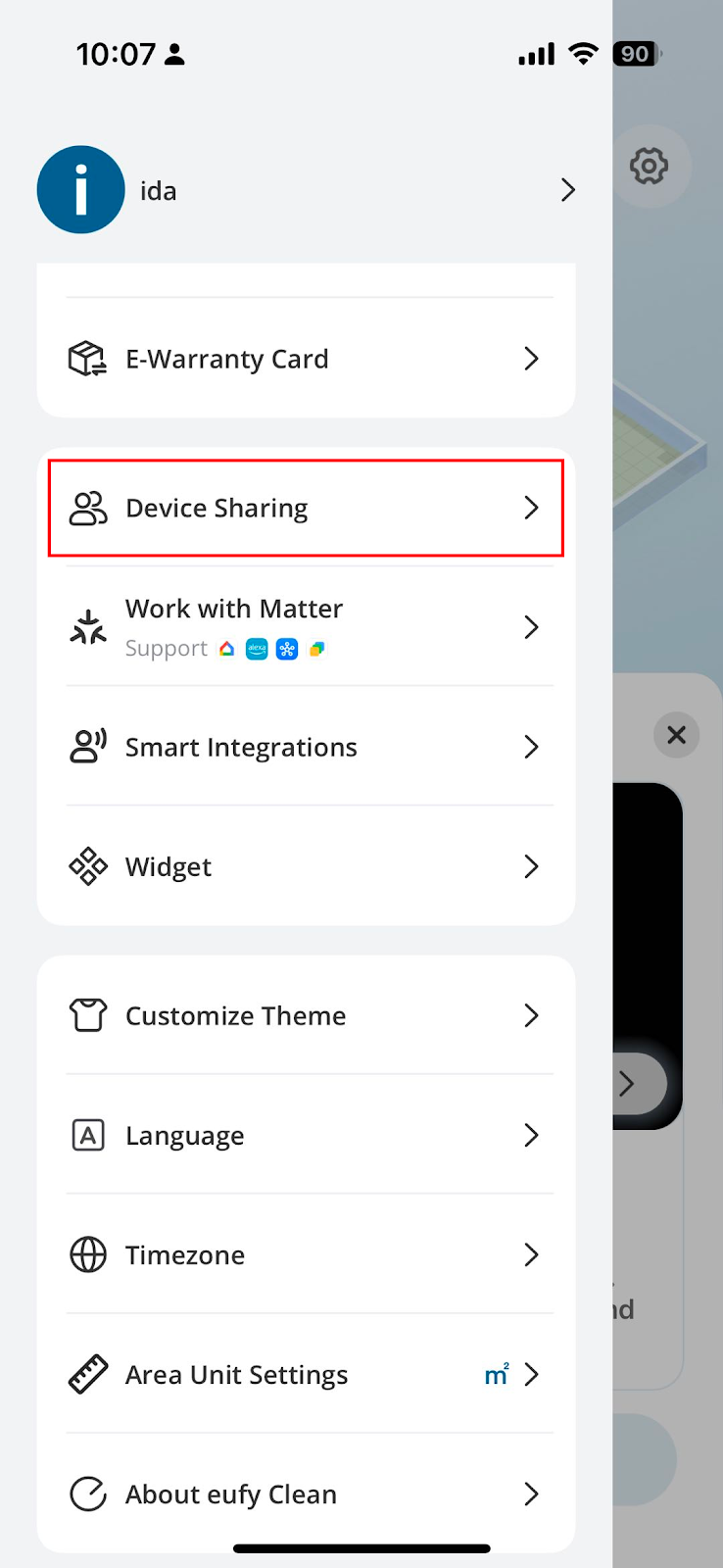
1. Open eufy Clean app, on the top right corner, tap the setting, go to Device Sharing.
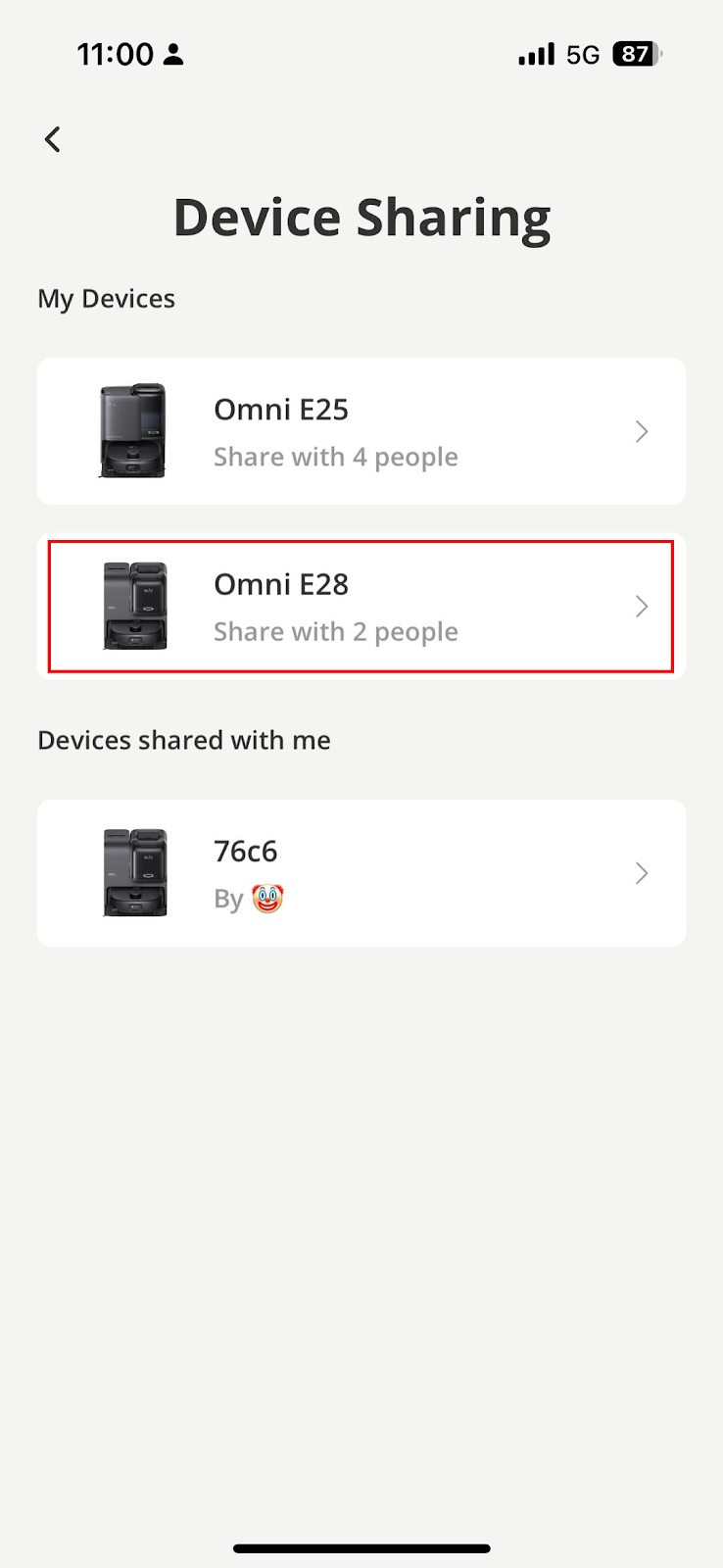
2. Tap the vacuum that you would like to share with. Here we tap “Omni E28” for example.
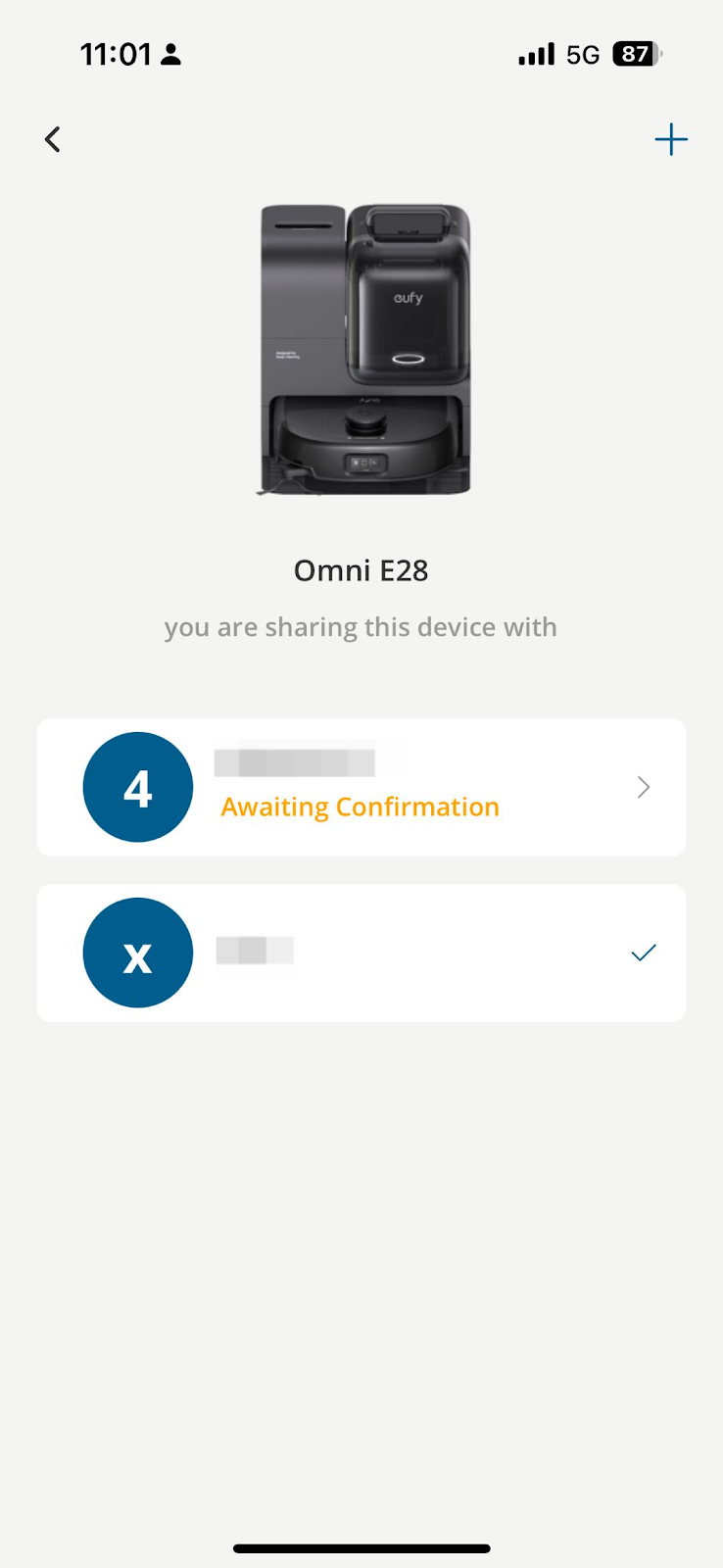
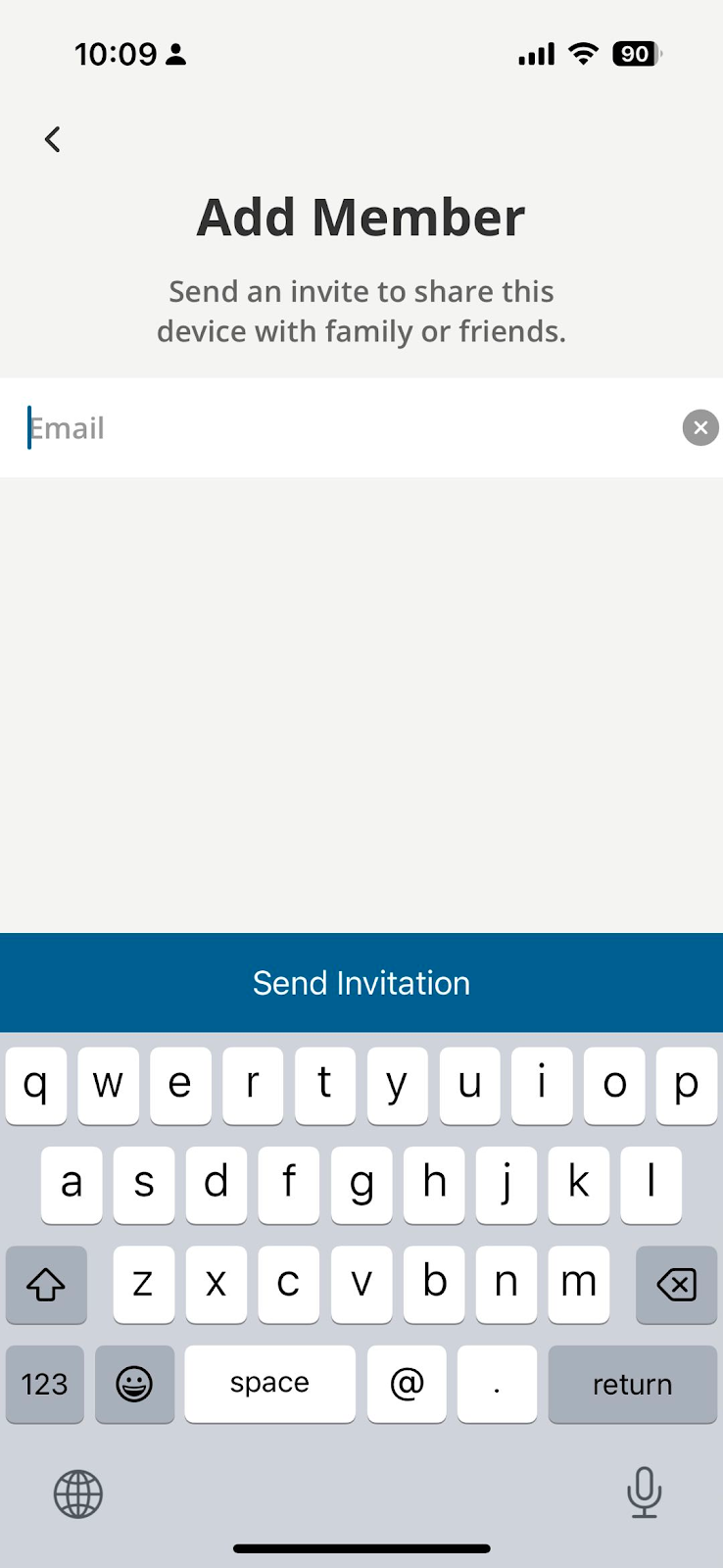
3. Tap “Add Member” and put your family’s email address in and send an invitation.
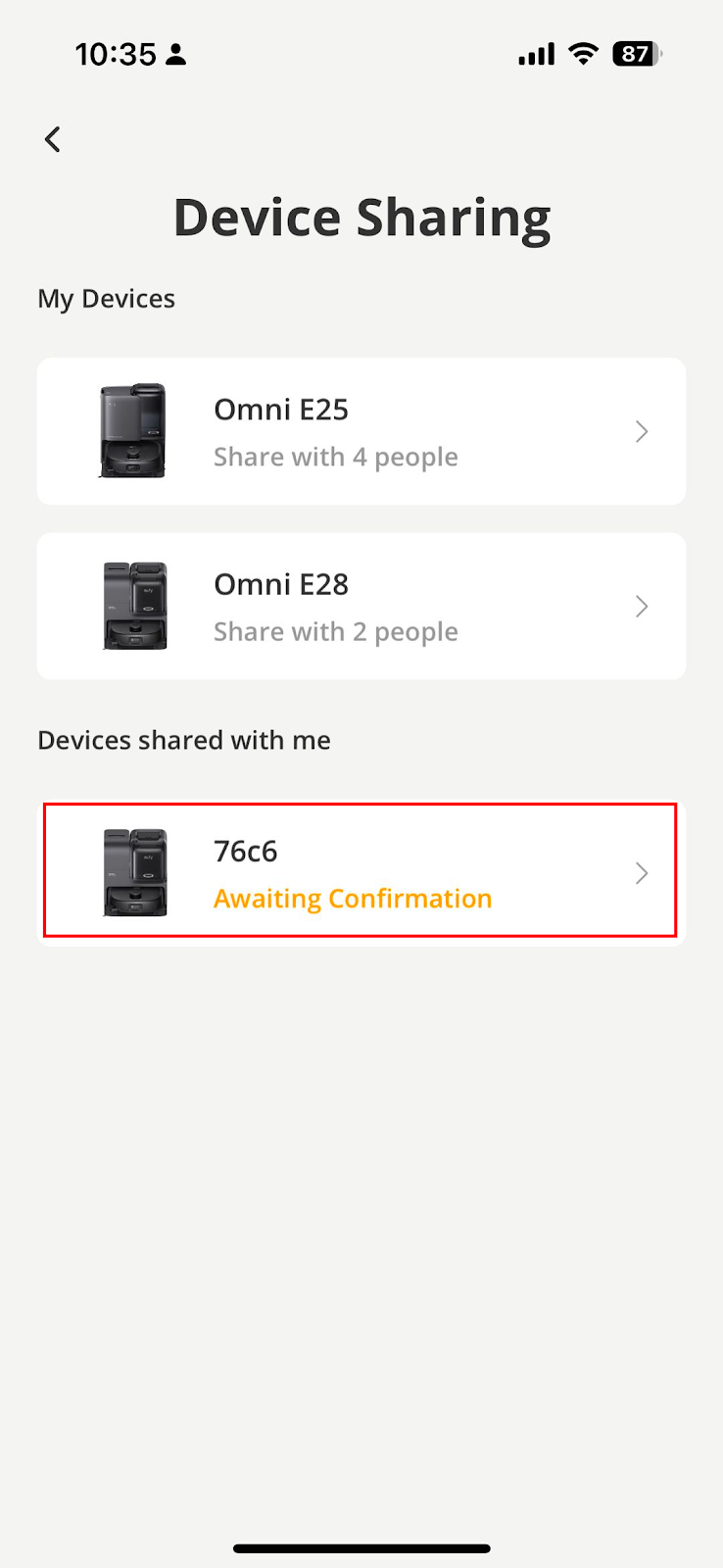
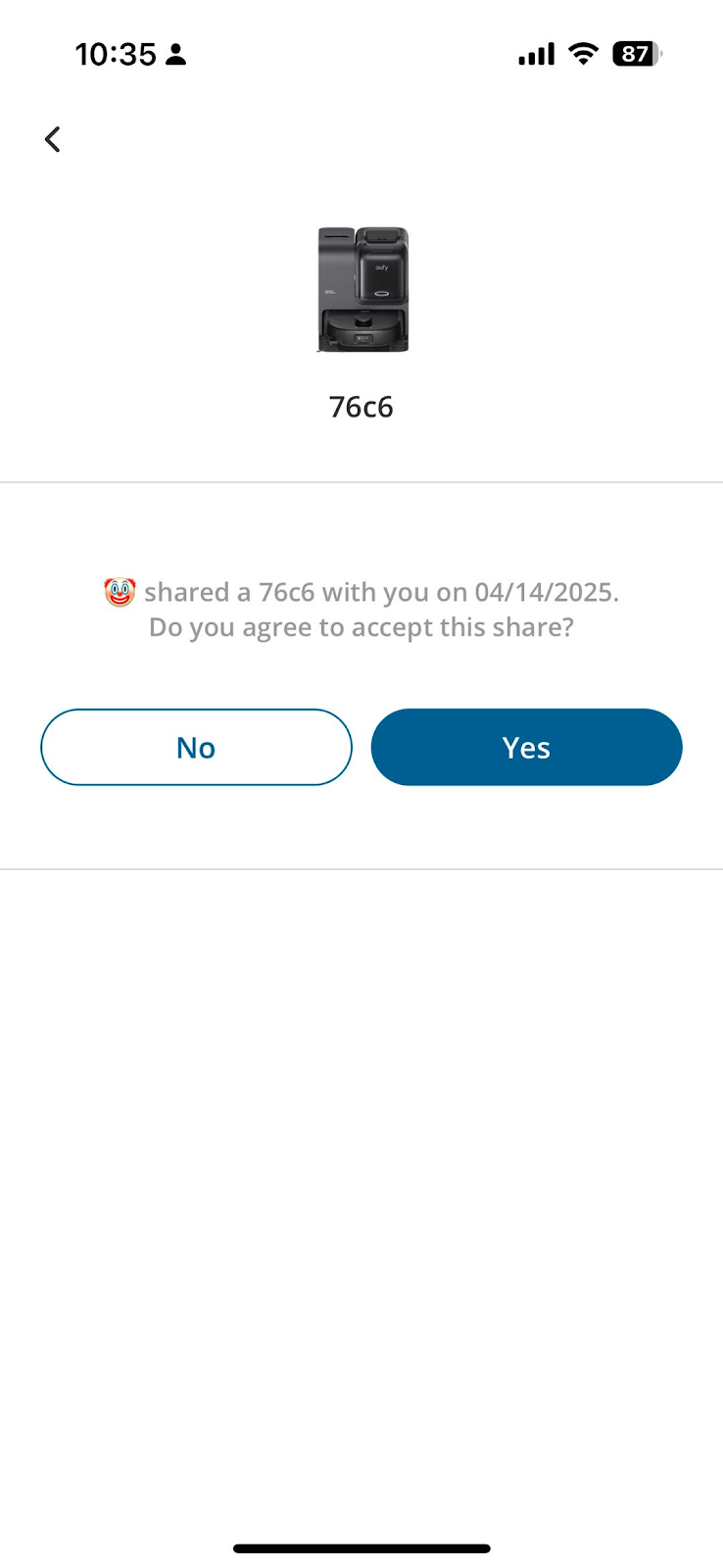
4. Your family will receive a notification on the eufy Clean app. Simply go to the Device Sharing page and accept the invitation to "Devices shared with me", then your family can view the vacuum on the home page.
If you failed to share access with your family or friend, please email eufy support.


