Before starting a cleaning task, please pick up any cables or small objects from the floor.
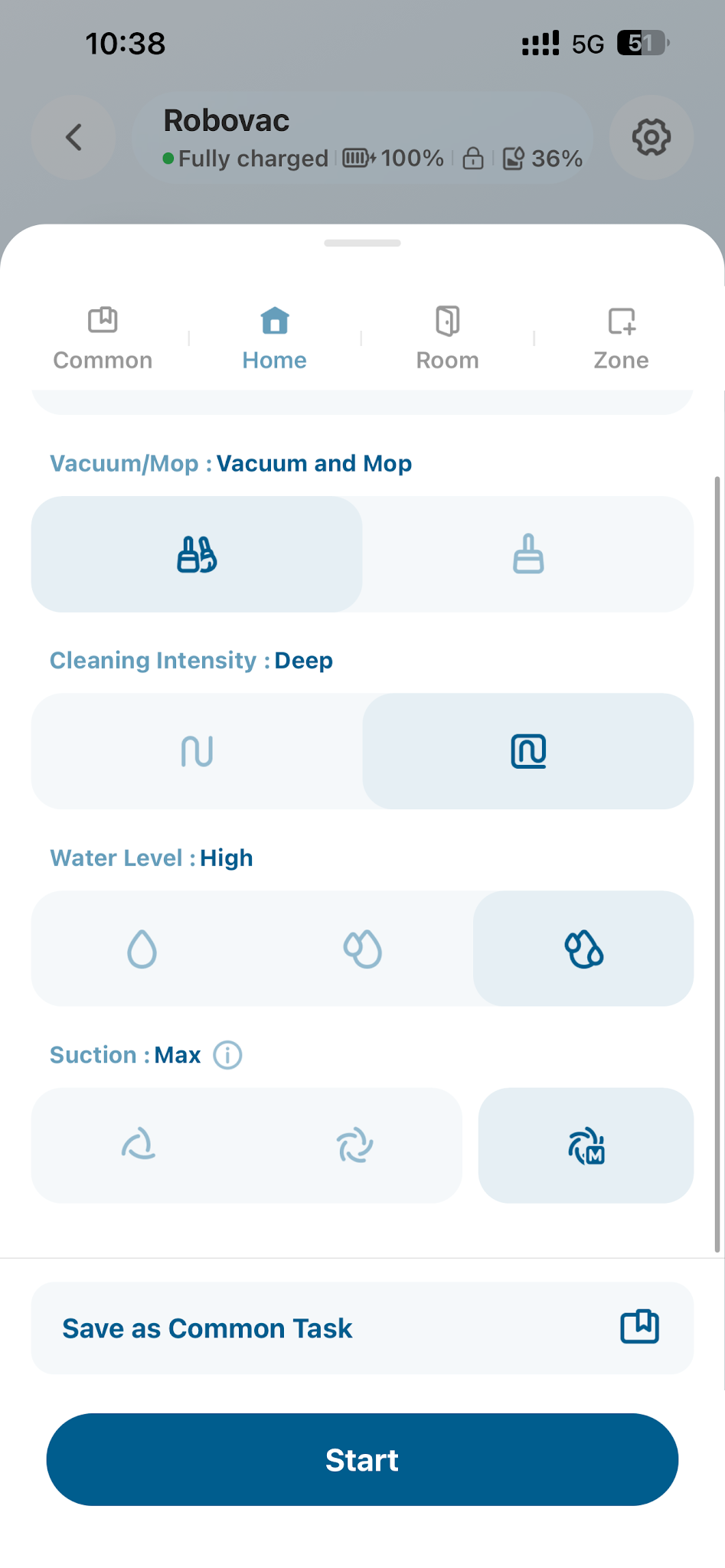
- Adjust Suction Level
If you have pets or children, use Turbo or Max suction and set the empty frequency to 15 min via the eufy app for better cleaning performance.
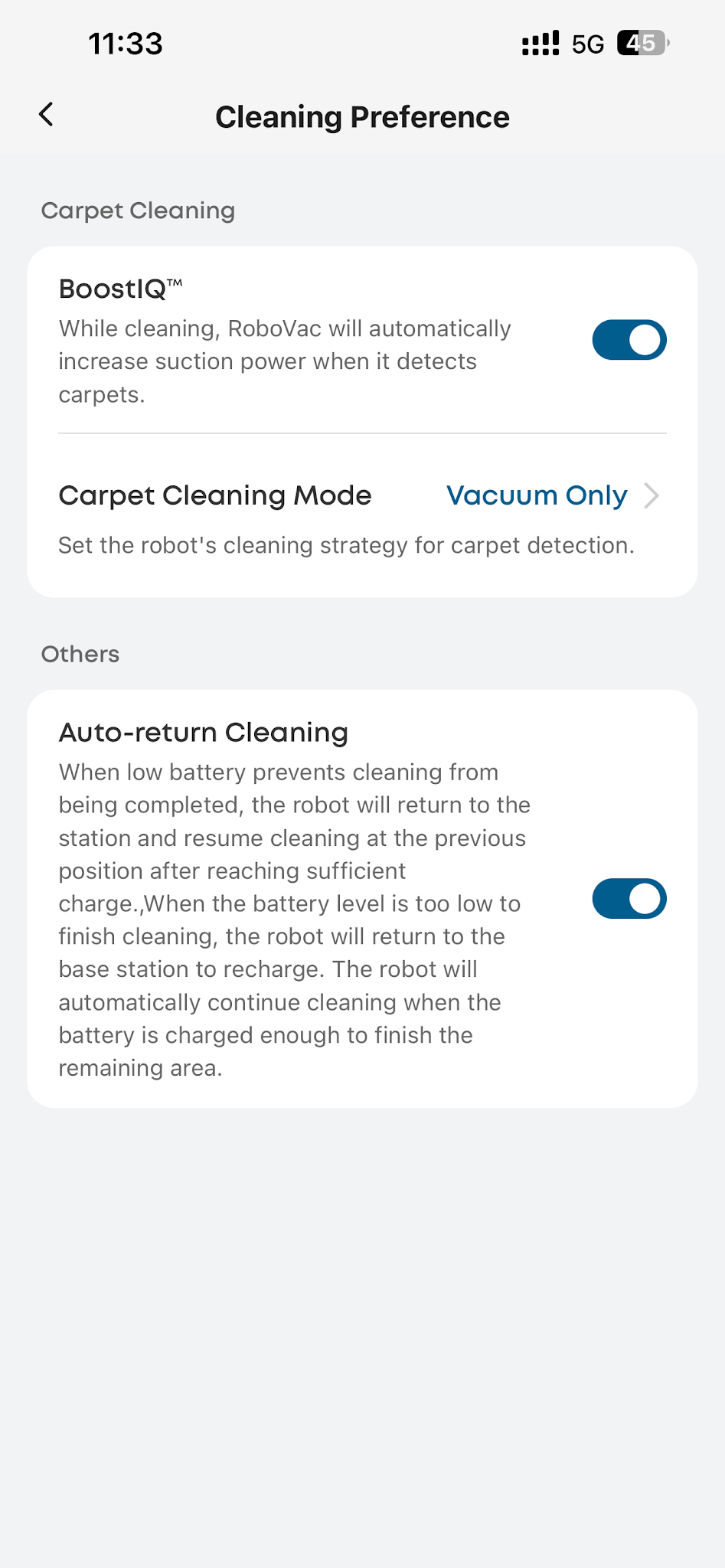
- BoostIQ Feature
Enable the BoostIQ feature via the app. When the robot detects a carpet, it will automatically increase suction power for enhanced cleaning.
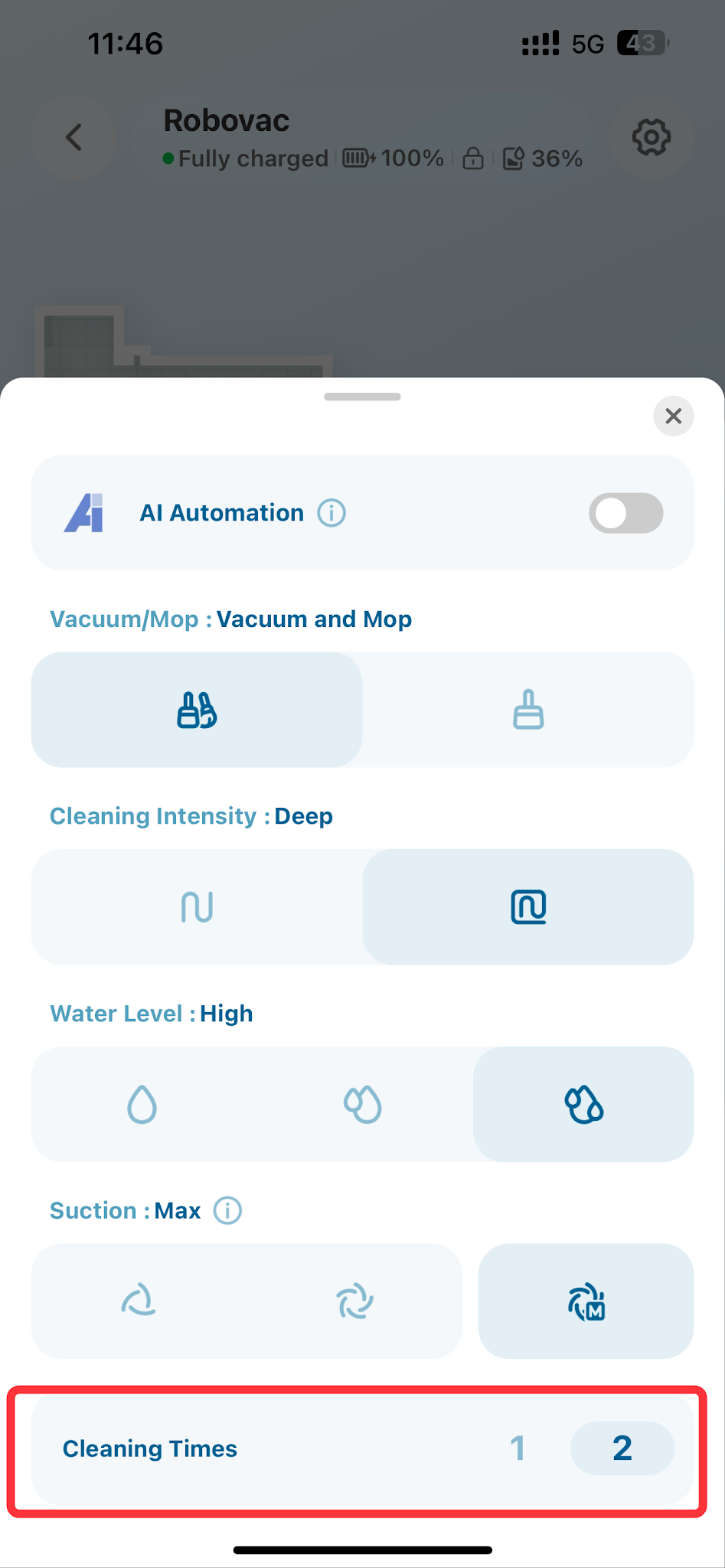
- Adjust Cleaning Frequency
For heavy debris or hair, select the area and choose to clean it twice via the app.
- Adjust Water Level
If your home tends to get dirty easily, we recommend setting a high water level during mopping for optimal results.
- Accessories Maintenance
To ensure the best performance, clean and replace X12 Pro accessories (roller, filter, dustbin, etc.) periodically as prompted in the app.
- Keep Software and Firmware Updated
Regularly update the software and firmware to the latest version to ensure optimal performance and access to new features.
If you have any other questions regarding the Omni X12 Pro, please don't hesitate to contact eufy Support Center for further assistance.


