If you notice water stains after mopping with the Omni X12 Pro, this issue can usually be resolved with a few simple adjustments. Below are common causes and recommended solutions to help reduce or eliminate water stains:
Run Vacuum Only Mode First
If this is your first time using the Omni X12 Pro, run Vacuum Only mode two to three times before mopping. This removes dust from the floor and prevents it from mixing with water, which can cause streaks or stains.
Check Your Floor Type and Adjust Water Volume
Some surfaces, such as tile, absorb water more slowly and may show residue if too much water is used. In these cases, adjust the water volume to Medium or Low in the app.
Clean the Residual Water Tray
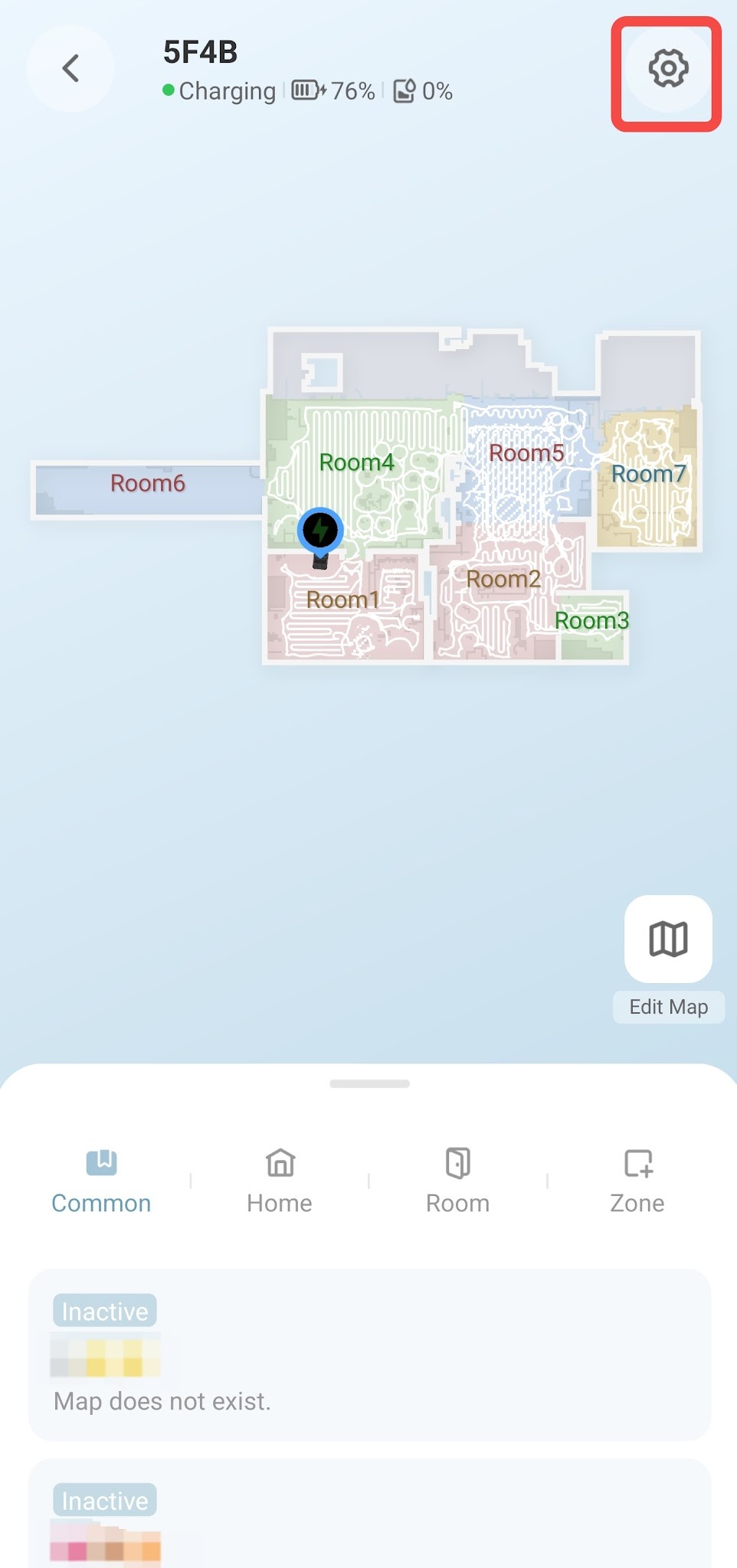
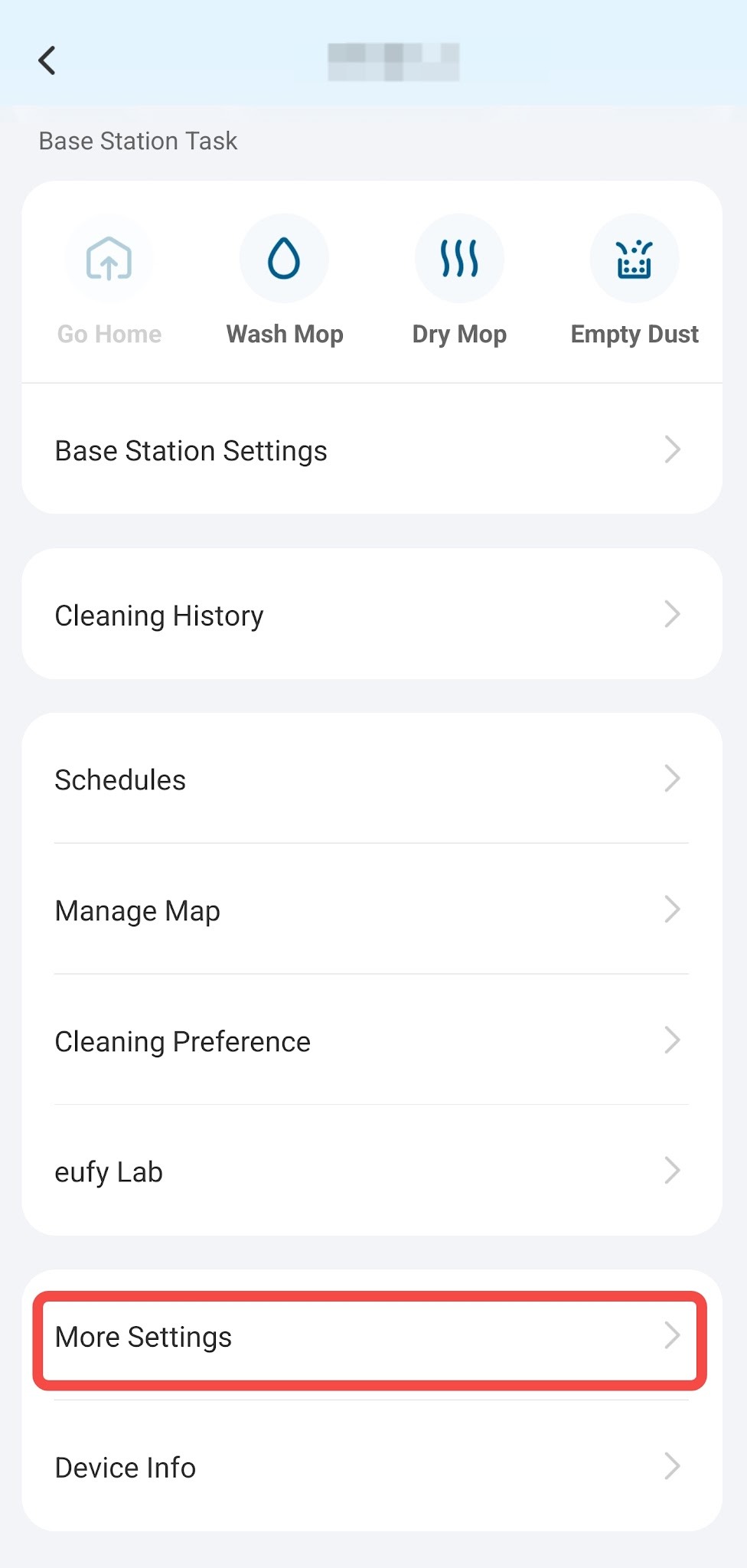
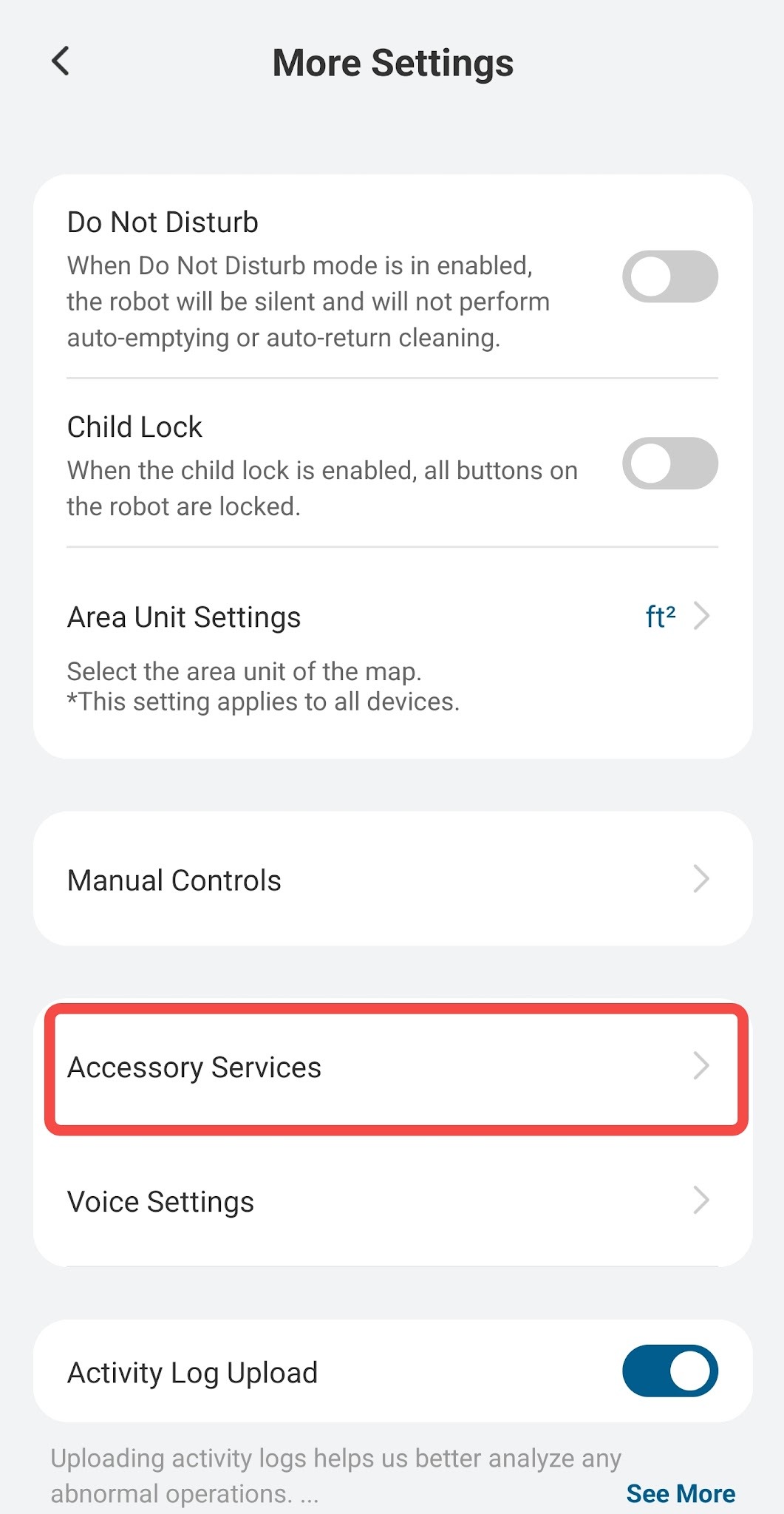
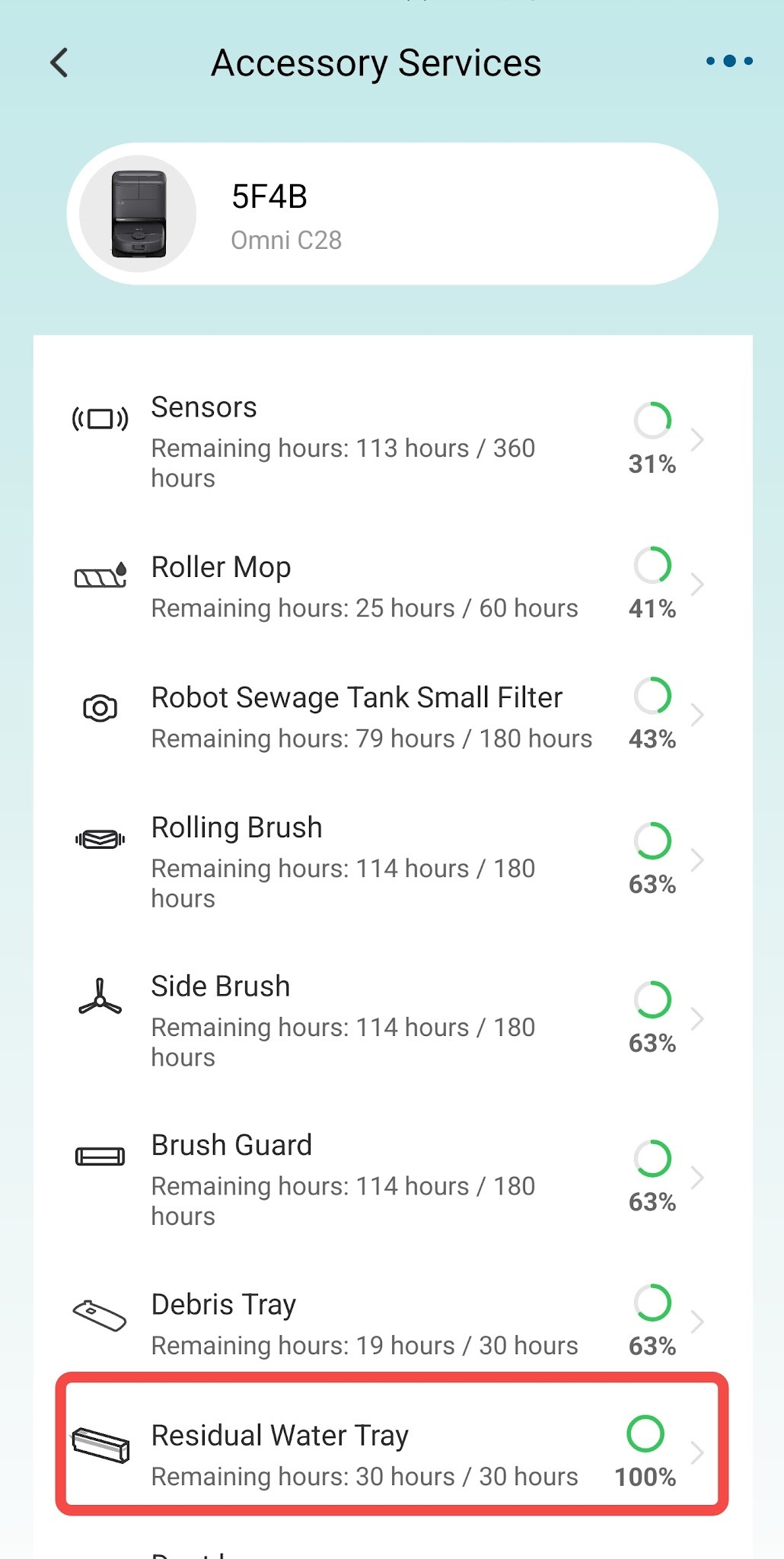
Debris buildup in the Residual Water Tray may affect wastewater recovery, leading to water stains. To clean the Residual Water Tray, please follow the instructions provided in the app. You can access them by navigating to Settings > More Settings > Accessory Services > Residual Water Tray.
If you have any other questions regarding the Omni X12 Pro, please don't hesitate to contact eufy Support Center for further assistance.


