When using it for the first time, Omni X12 Pro may leave mopping streaks from thick dust under furniture. This is normal and will improve with more use.
- Cleaning Solution
Use eufy's floor cleaning solution and enable the automatic cleaning solution dispenser. Mix the cleaning solution with water at a 1:200 ratio for best results. If you need floor cleaning solution, scan the QR code on the station to purchase it.
- Vacuum-Only Mode
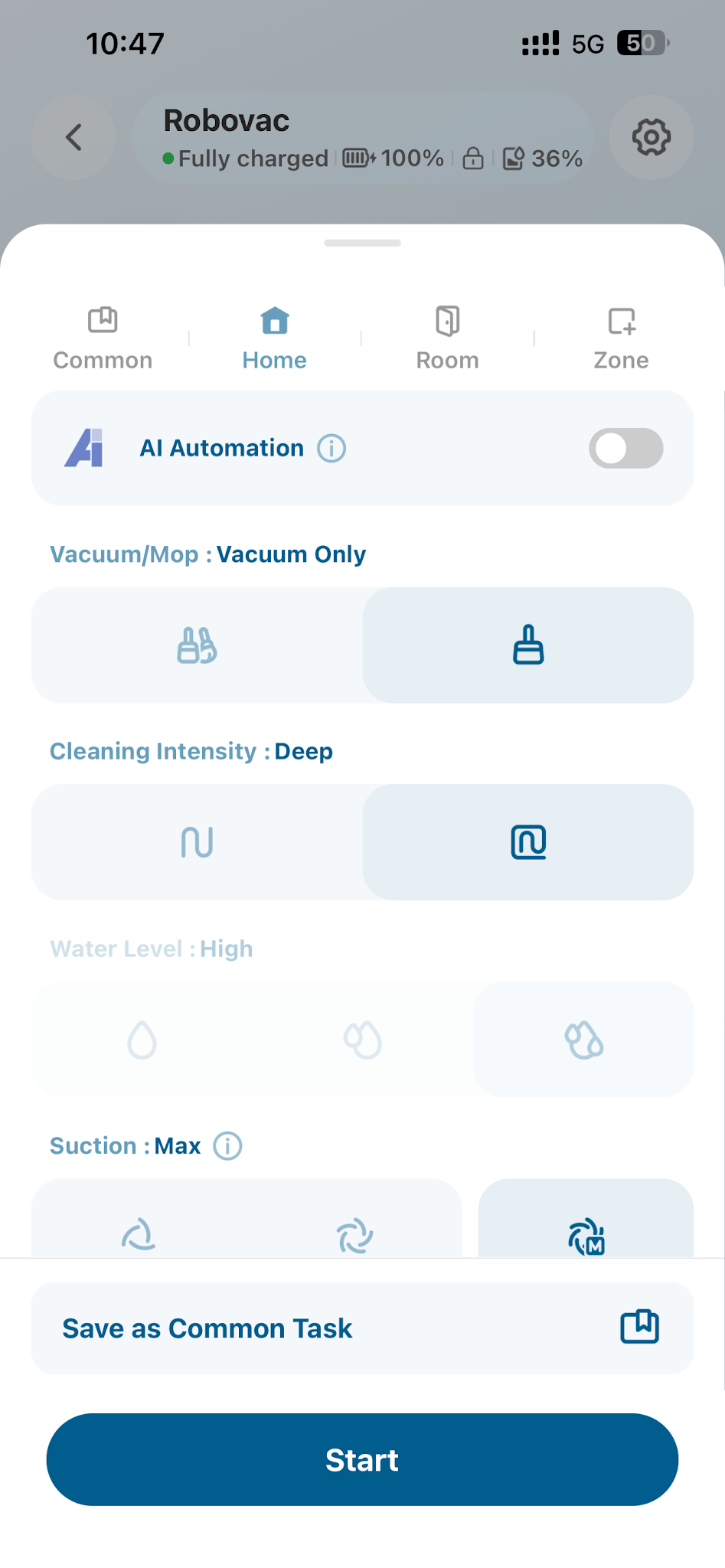
Before the first mopping session with your X12 Pro, use Vacuum-Only mode to remove dust and hair via the eufy app.
- Adjust Water Level
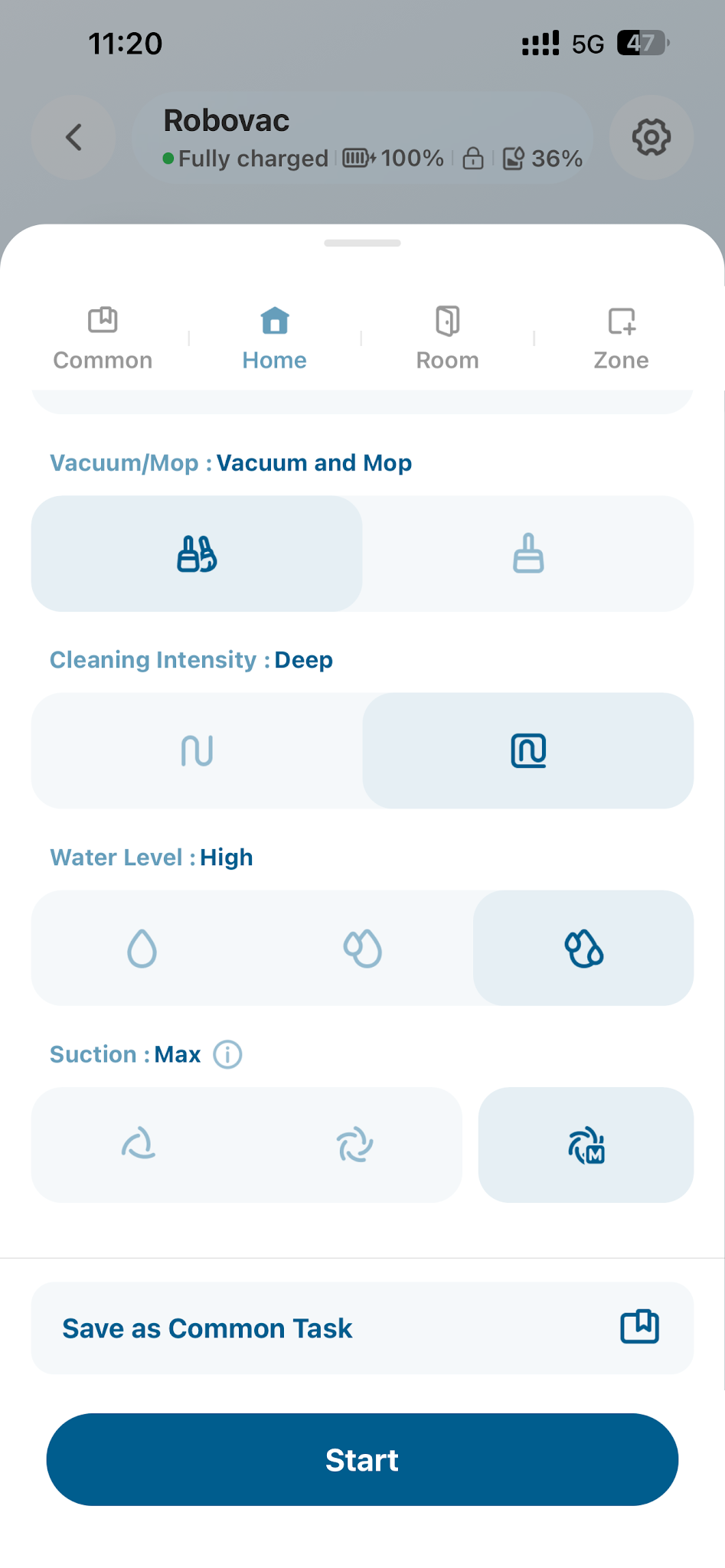
Raise the water level in the app for better mopping. For stubborn stains, pre-wet them manually, then select the area and mop 2-3 times.
- Accessory Maintenance
Clean the roller mop and dirty water tank regularly to ensure optimal results.
- Keep Software and Firmware Updated
Regularly update the software and firmware to the latest version to ensure optimal performance and access to new features.
If you have any other questions regarding the Omni X12 Pro, please don't hesitate to contact eufy Support Center for further assistance.


